
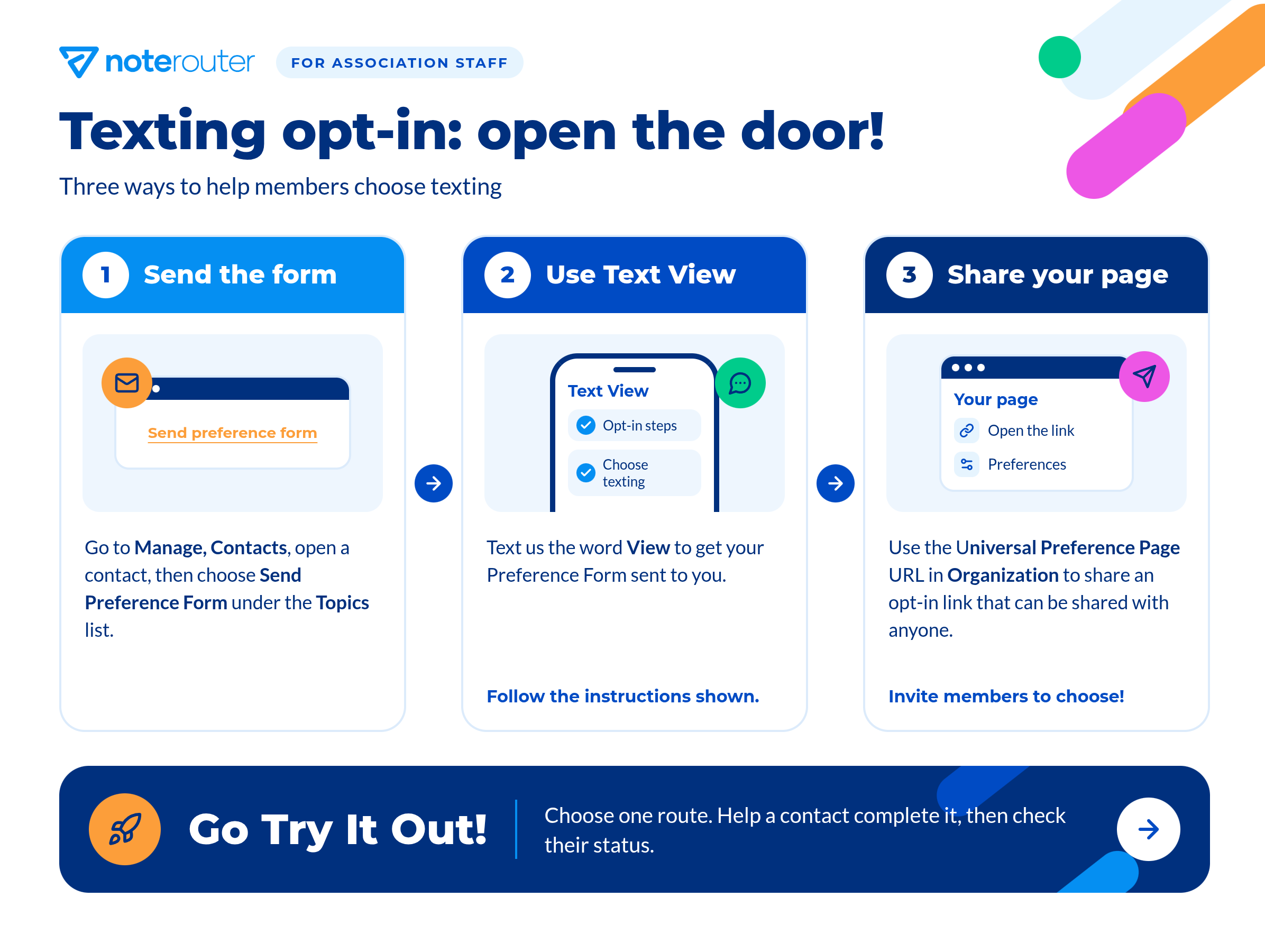
Here are three ways to help your members choose texting:
1. Send the Preference Form
Go to Manage, Contacts, open the member’s contact record, and select Send Preference Form under Topics.
2. Text VIEW
Members can text VIEW to your association’s number to get their Preference Form.
3. Share the Universal Preference Page
Copy the Universal Preference Page URL from Organization and share it in your email signature, on your website, or on social media.
Remember: Members must choose texting themselves. Never opt members in to texting or optional Topics for them.
Go Try It Out! Pick one route, help a member finish it, and then check their status.