
See all emails sent, to whom, and when with Automated Campaign Exports
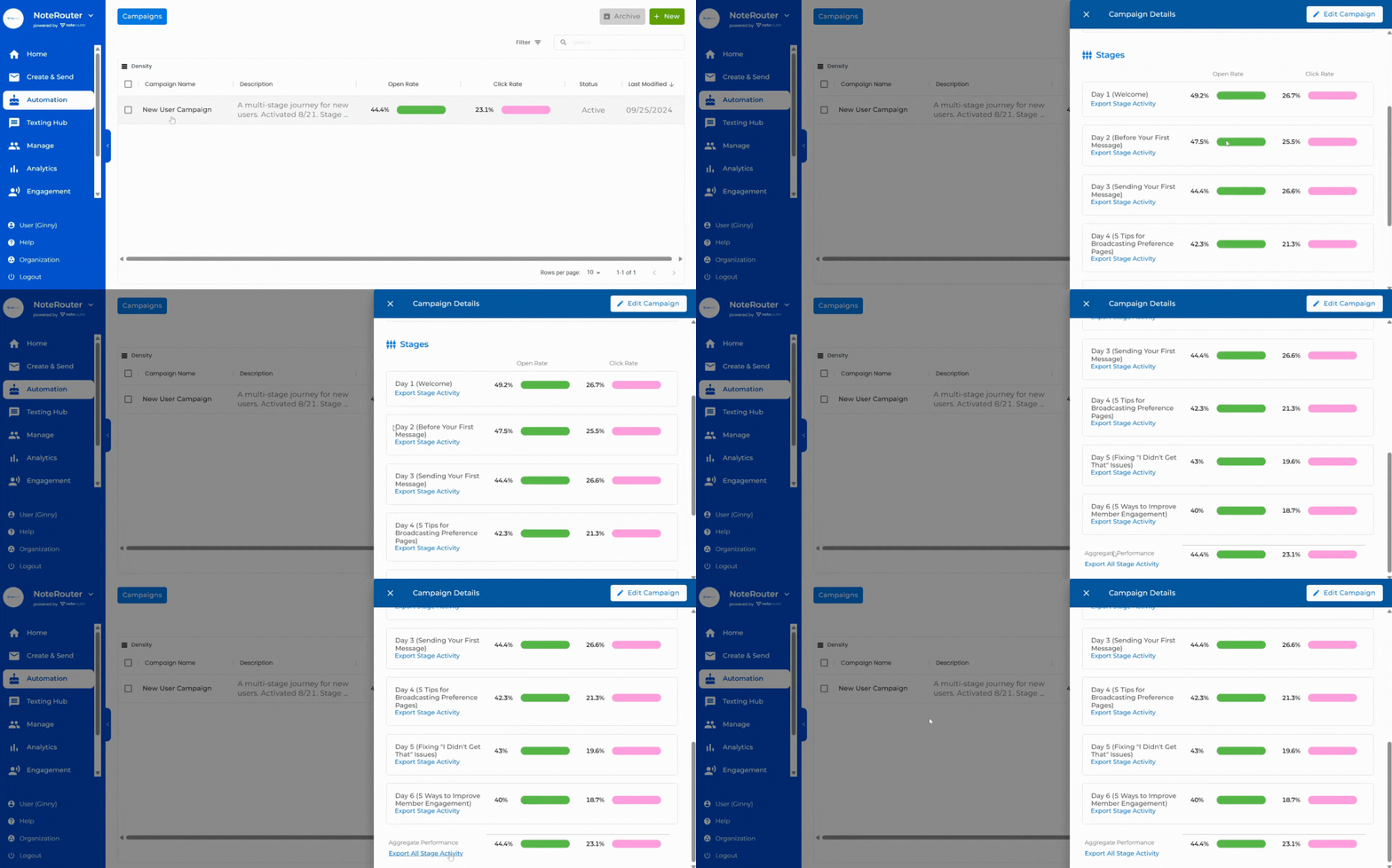
From your Automations page, click on a Campaign to open the Campaign Details Drawer.
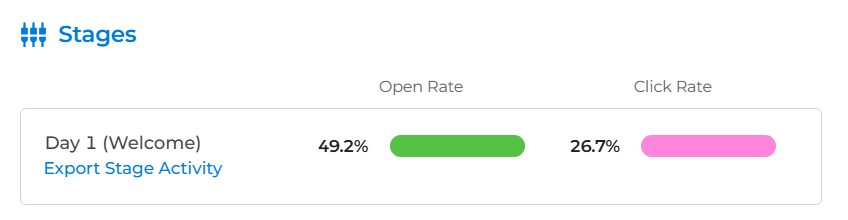
Then click on Export under any Stage to see all Messages sent and all Engagement Activity for that Stage.
Under Aggregate Performance, click on Export All Stage Activity to see all Messages sent and all Engagement Activity for the entire Automated Campaign.
