You can Use, Save, and Create your own One-Click Content using Saved Rows!
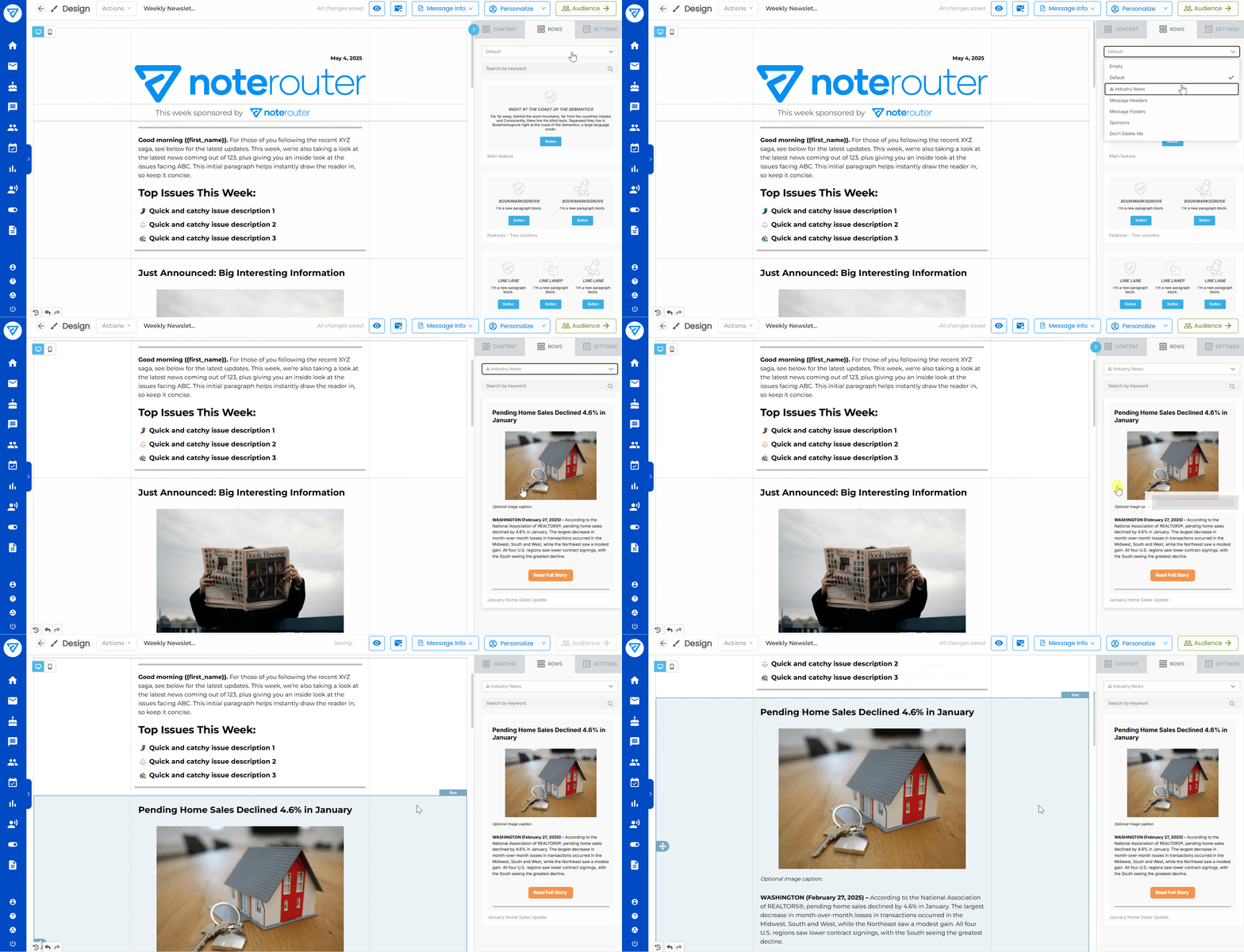
From the Rows tab in the Create & Send page, you can use the drop-down to grab One-Click Content from the Saved Rows folders and drag it into your Message. There are pre-created Content Rows like Sponsor Rows and ways to Increase Text Opt-Ins.
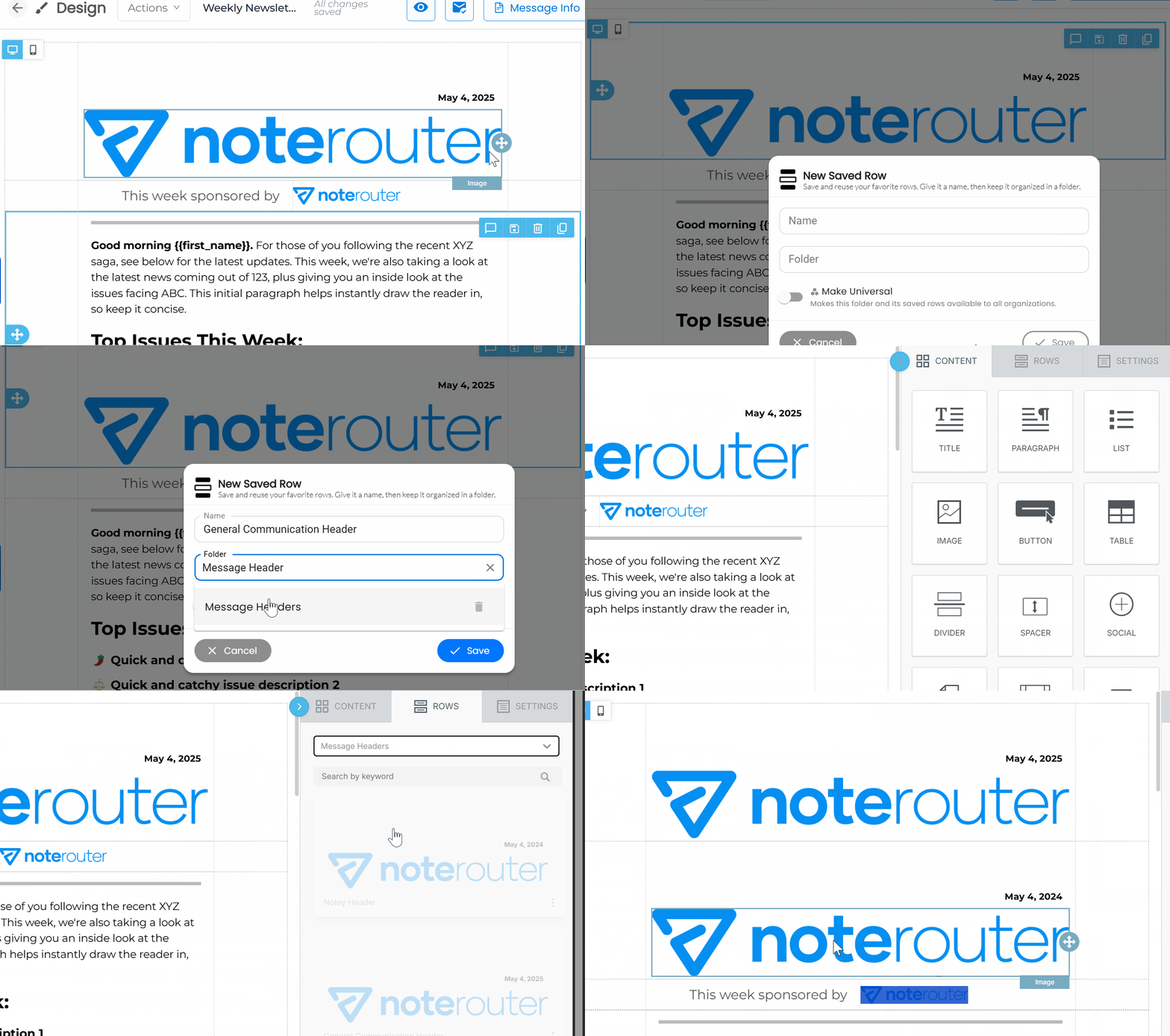
You and your team can save and reuse your own Message Content as well by clicking on a Row you'd like to reuse, and then on the Save icon. Give it a folder and Save it to make that Row available for everyone on your team to drag and drop into their Messages.
Hint: this is great for headers, footers, or class reminders that get repeated often!