
You can text a member 1-on-1 from NoteRouter even if they have not opted into texting yet.
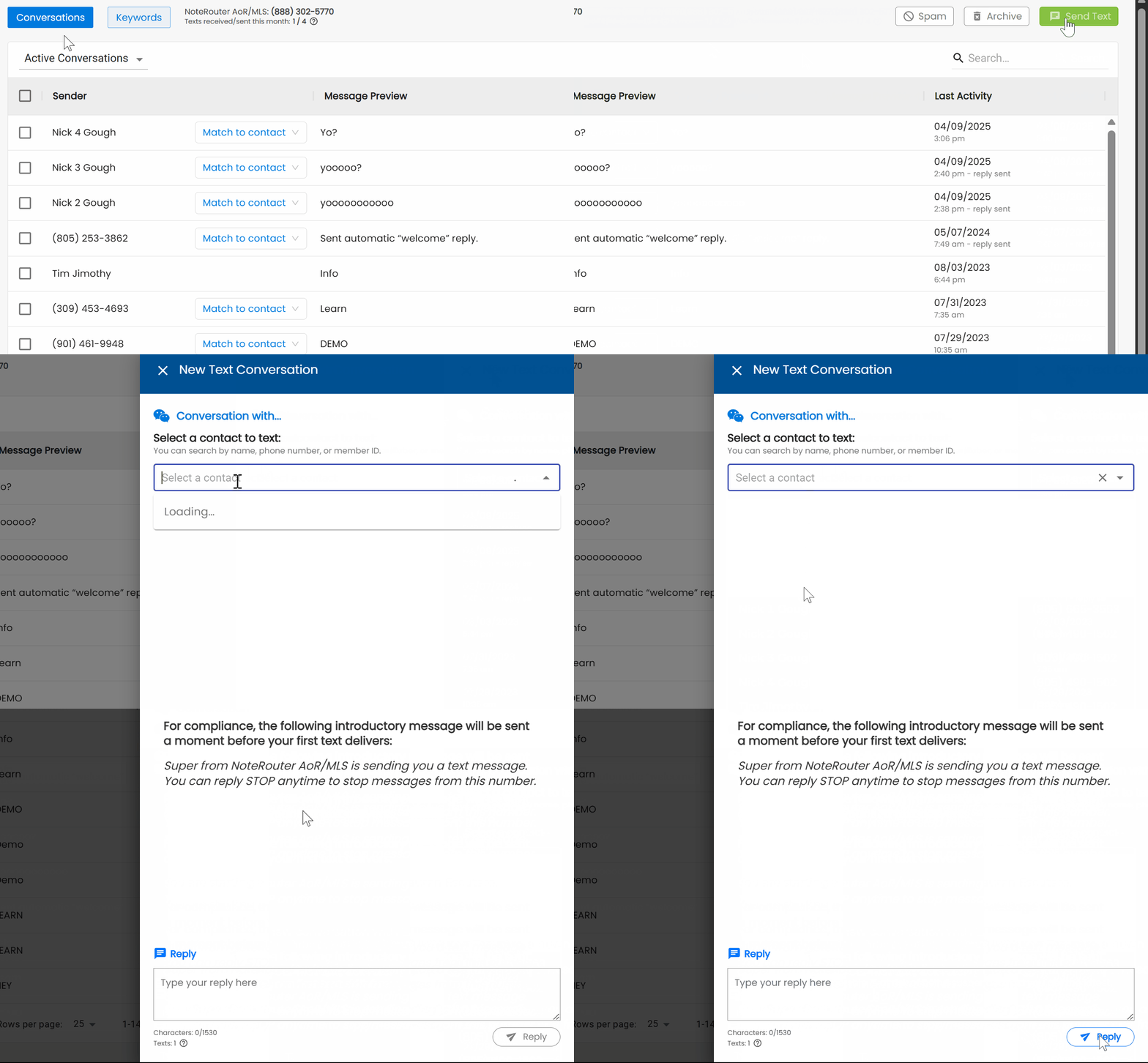
Just click on Send Text from the top right of the Texting Hub, and select a Contact. If the contact doesn't have a cell number on file, you can enter it here.
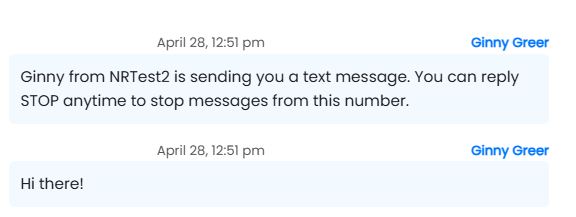
Type in your message and hit Send or Reply. A compliance message will be sent out along with your first message. Any replies will come into your Texting Hub
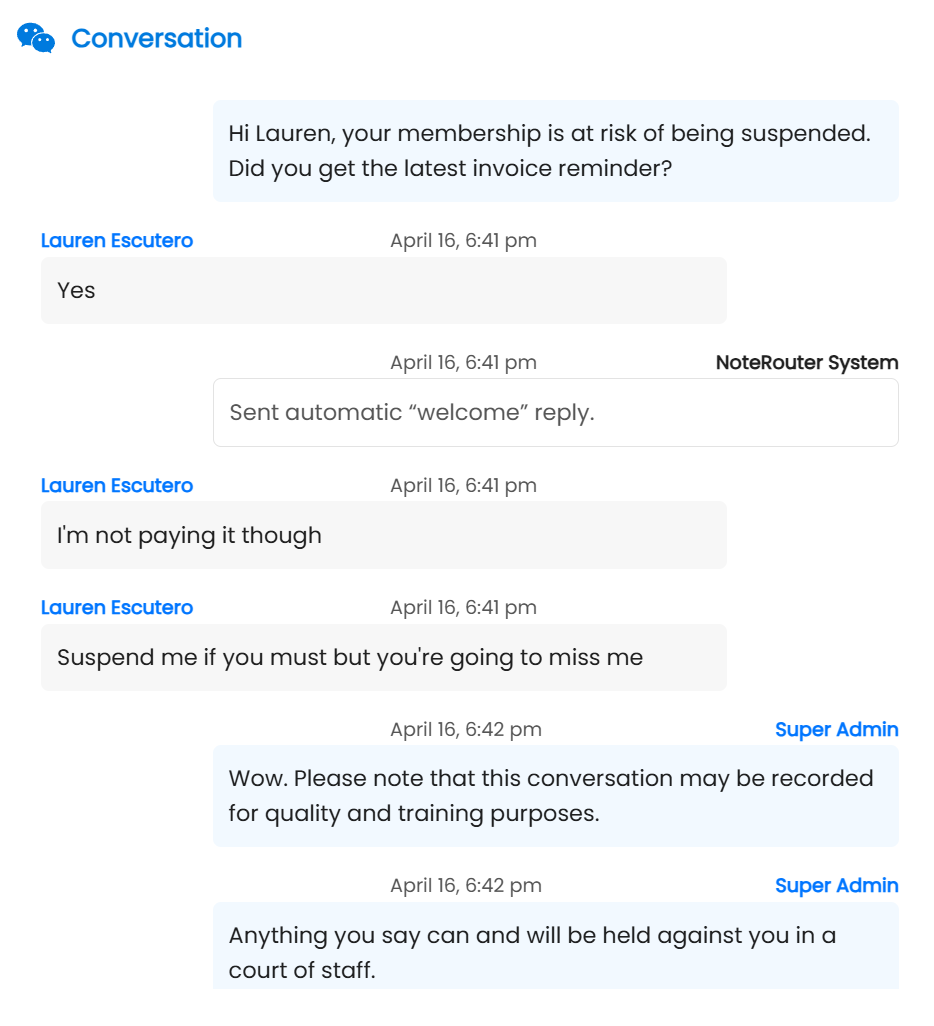
Replies received from members are visible to all members of staff and all conversations are saved permanently.
Note: make sure your Texting Hub is enabled HERE: https://app.noterouter.com/dashboard/textinghub