
Use A/B Messaging (AKA split-testing) to learn what works for your Contacts
In Create & Send, enable or disable A/B Messaging from the Actions drop-down on the Design page.
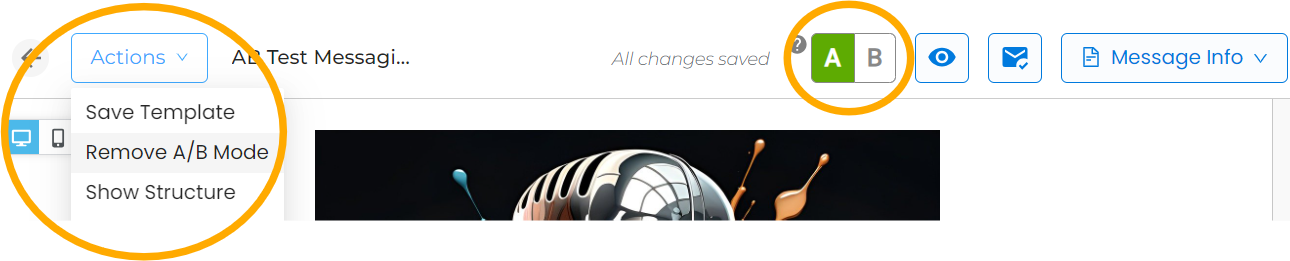
Toggle between the A and B versions to send a Message with two different versions. Each version can have different subject lines, layouts, or calls-to-action.
When you send your Message, a random half of your targeted Audience will receive each version, and you can then see which version did a better job of engaging your members from the Analytics page.
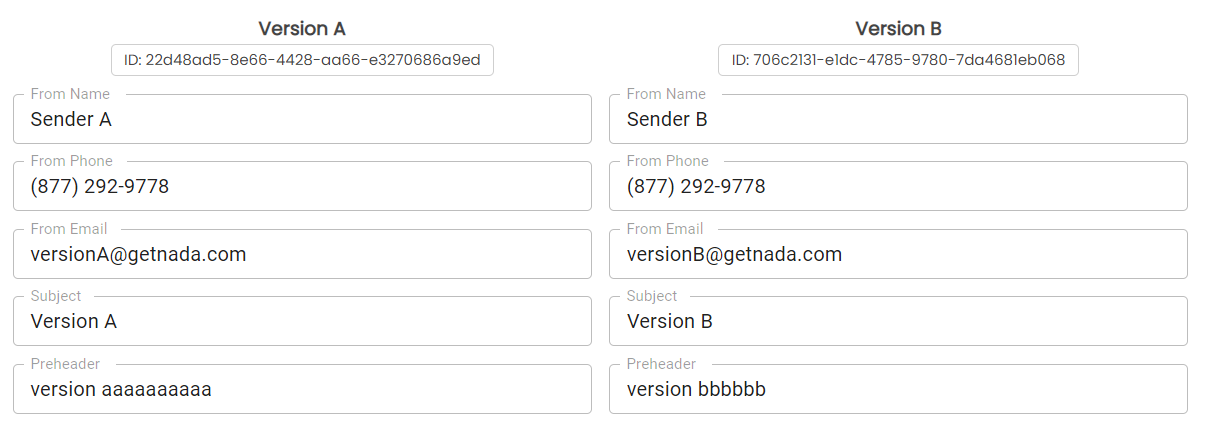
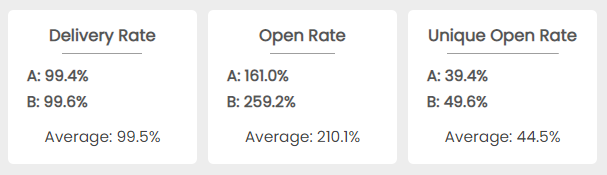
In the screenshot above, can you guess which version was personalized with the recipient's name?
NOTE: to avoid having to make revisions to both versions, we recommend making sure your Version A is finished before activating A/B Mode and modifying Version B.