
You can mark Texting Hub conversations as Spam to block that number
Checkmark a text to select it and then click on Spam on the top right. Spammed numbers will always go into your Spam folder and won't reappear in your Active Conversations.
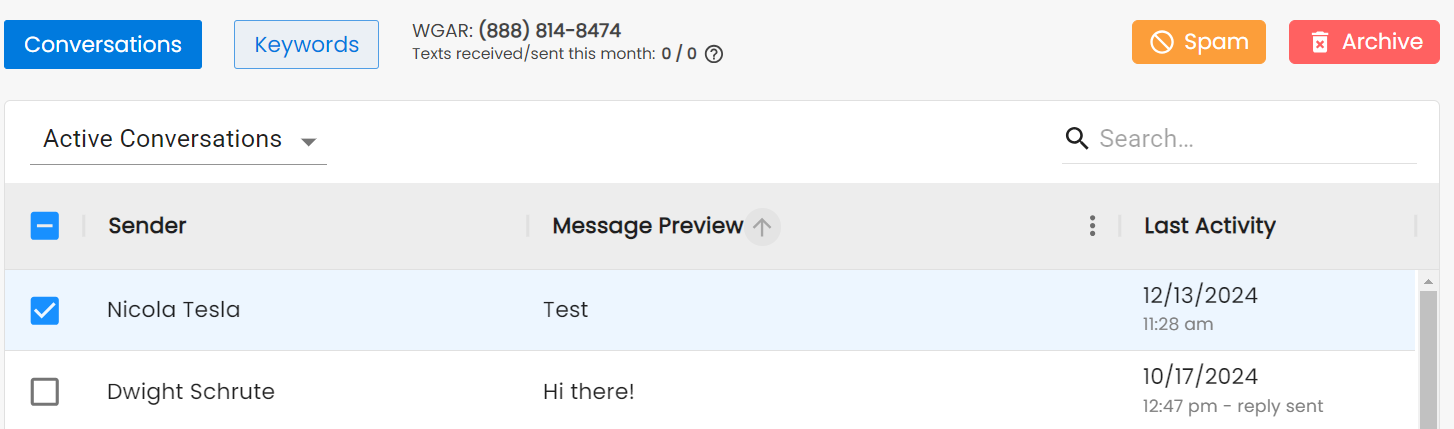
You can see Active, Archived, or Spammed Conversations from the drop-down under Conversations.
To Unspam a number, checkmark it in the Spammed Conversations folder and click on Unspam.