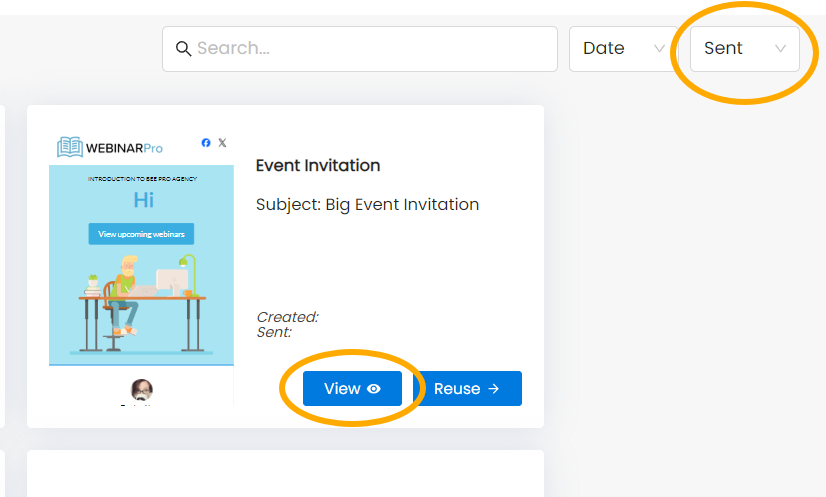
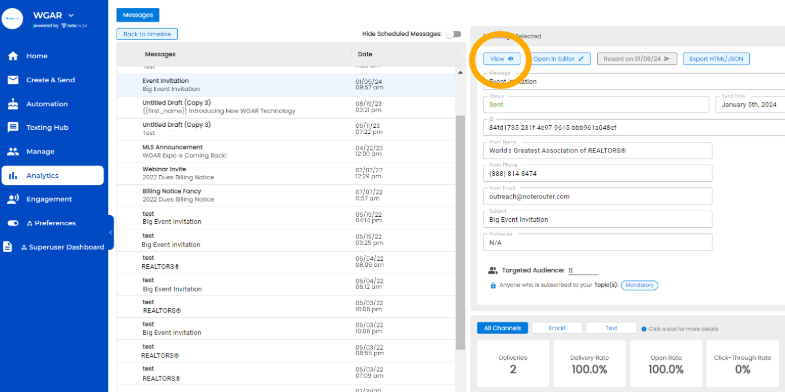
You can see Sent Messages from the View details under Analytics, or the Sent Drafts from Create & Send
Go to Analytics from the Menu Bar and click on a specific message, then on View on the top right of the page.
Go to Create & Send, then click on Sent from the Status drop-down on the top right, then on View for any Message.