
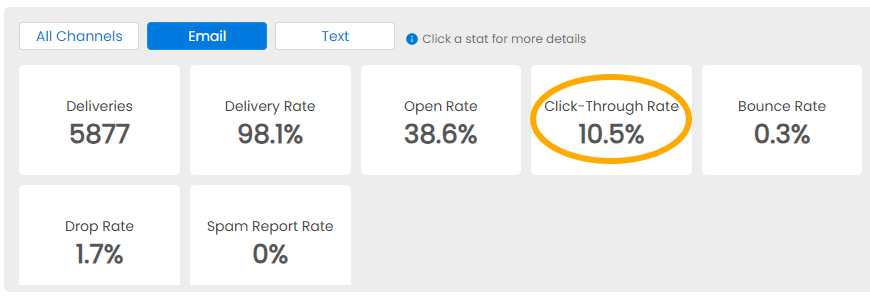
The Click-Through Rate counts what percentage of Sent Messages are reported as having a link Clicked.
Go to Analytics from the Menu Bar and click on your Message.
Click on Email at the bottom right, then on Click-Through Rate to see how many times each link in the Message was clicked on. You can click on each link to see which recipients clicked on that Message.
NOTE: Messages are marked as Clicked when the receiving Email Provider (Gmail, Yahoo, etc.) sends that report back to NoteRouter.