
Update the email address in your AMS, then Reenable Deliveries in their NoteRouter Profile
To Reenable Deliveries, Go to Manage Contacts and click on the Contact's name to open their Detail drawer. Make sure the email address is corrected, and click the blue Reenable Deliveries link in the pink Delivery Error box.
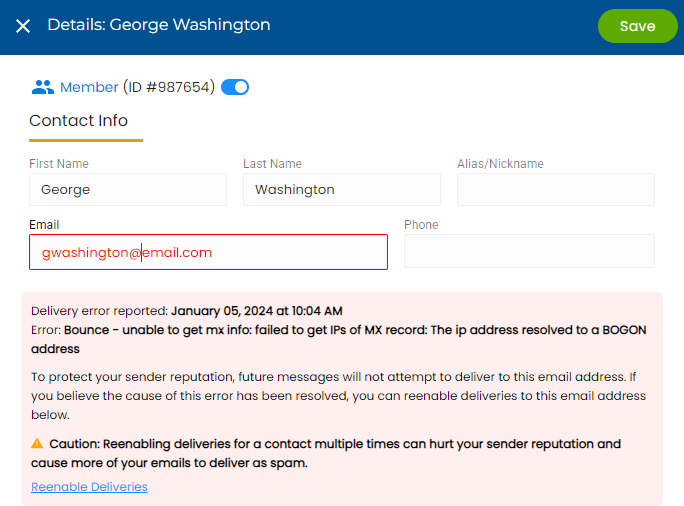
Click Save to close.