
The Open Rate counts what percentage of Sent Messages are reported as Opened
Go to Analytics from the Menu Bar and click on your Message.
Click on Email at the bottom right to see the Open Rate for that Message. Click on that Rate Tile to see an exportable list of all Contacts that show as having opened the Message
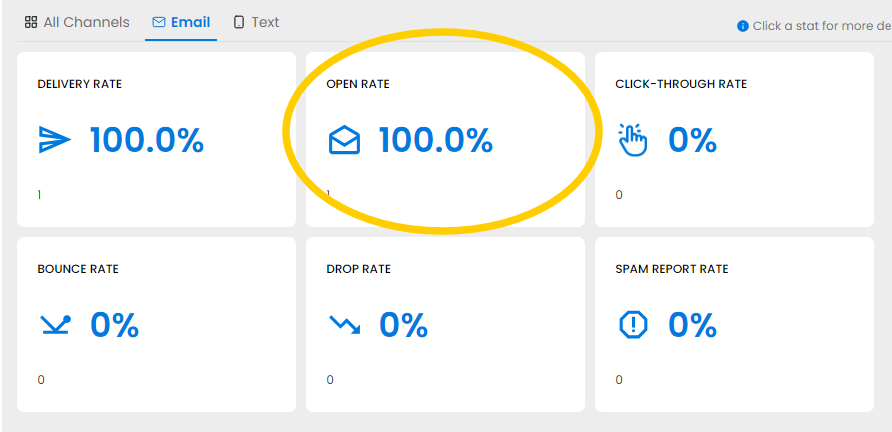
NOTE: Messages are marked as Opened when the receiving Email Provider (Gmail, Yahoo, etc.) sends that report back to NoteRouter.