
Delivery Rate lets you know what percentage of your Contacts received the Sent Message.
Go to Analytics from the Menu Bar and click on your Message.
Click on Email or Text at the bottom right to see the Delivery Rate for that Delivery Type.
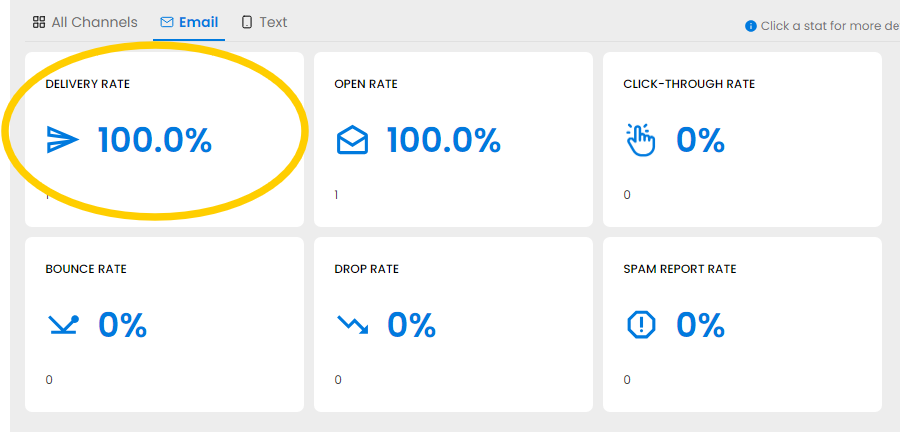
Click on the Delivery Rate Tile to see an exportable list of all Contacts that had the Message Delivered to them.
NOTE: If your Delivery Rate isn't 100%, check the Bounce Rate and Drop Rate to see which email addresses may have failed.