
Bounced email addresses have been rejected by the receiving email server, and the message was not delivered.
Go to Analytics from the Menu Bar and click on your Message.
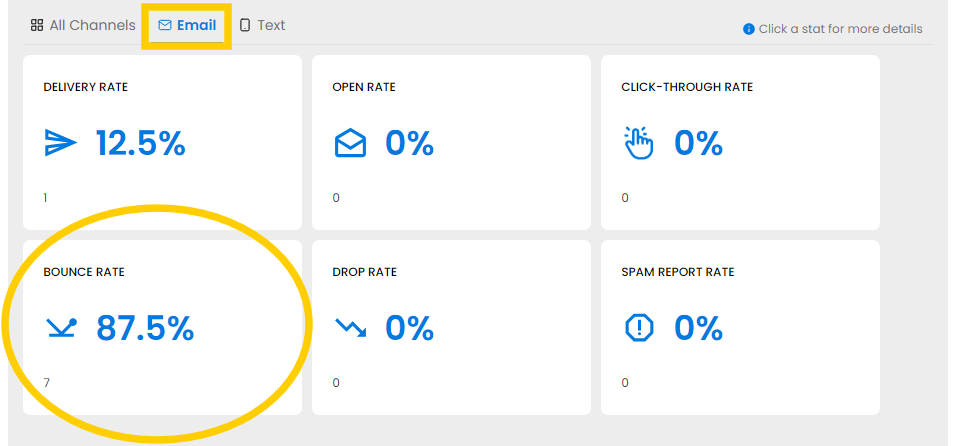
Click on Email above the Rate Tiles then on the Bounce Rate tile to open a list of Bounced email addresses.
Click Export for a spreadsheet of Bounced email addresses. If any email addresses are updated in your AMS, changeswill automatically sync in NoteRouter. If a contact confirms that a bouncing email address is correct (like in the case of a new member who was sent an email before their email inbox was fully set up yet,) you can Reenable Deliveries to them from their profile under Manage > Contacts.
Note: If an email address bounces several times, the email address will be Dropped.