
You can see who clicked on any sent message from Analytics
Go to Analytics from the Menu Bar and click on your Message.
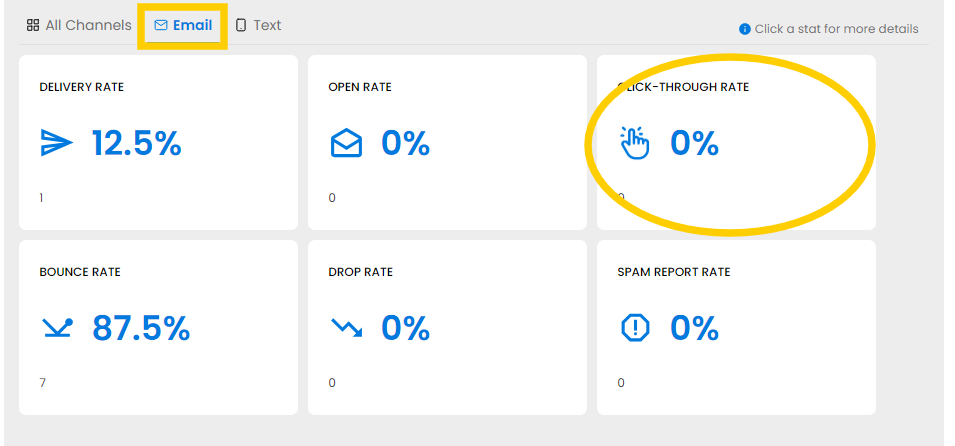
Click on Email at the bottom right then on the Click-Through Rate tile to open a list of links. Click on each link for a list of Contacts who clicked on it.
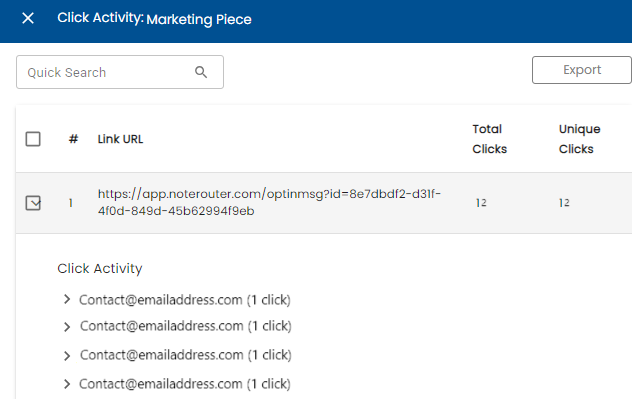
Click Export for a spreadsheet of Click Activity.