
You can see Sent Message details under Analytics
Go to Analytics from the Menu Bar. Use Timeline to see Data for a span of time or click on a Message for Data just for that one Message.
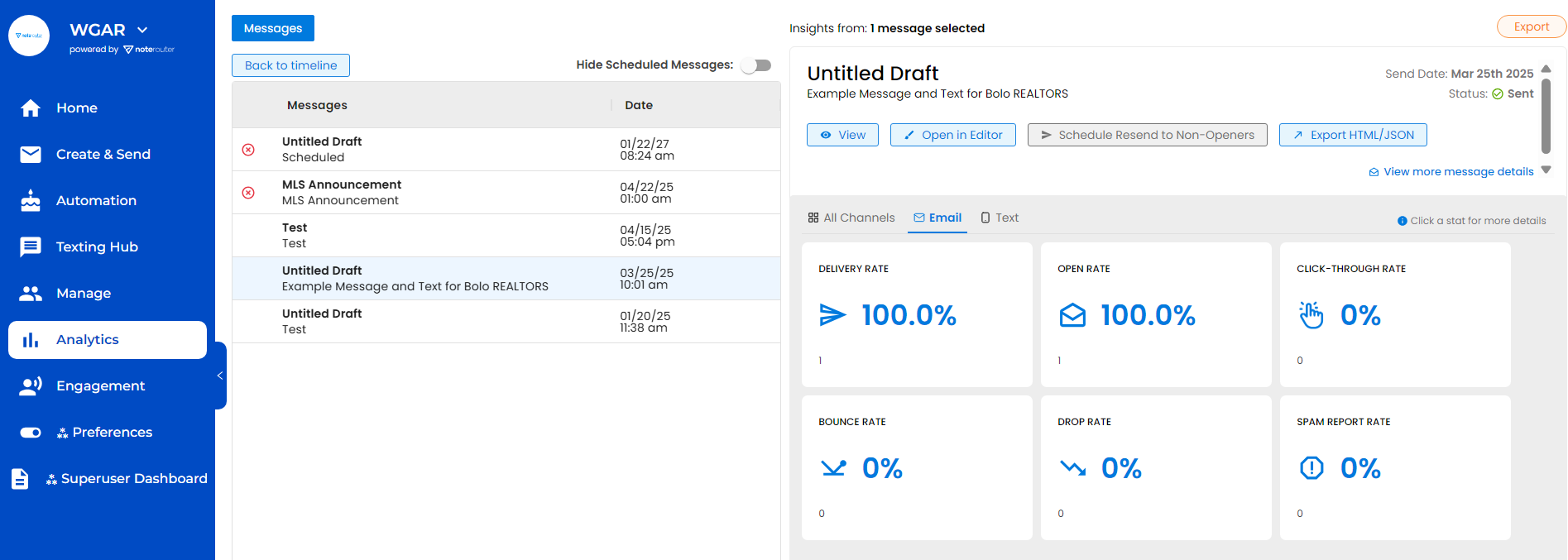
Details of the Message show to the right with information on Delivery, Open, and Click-Through Rates showing in the Rate Tiles
Click on Email or Text for Data specific to each Delivery Type.