
Solving Delivery Issues for your Contacts
Check under Engagement and click on that Contact's name, and then on the Message in question. You'll be able to see there if the Message was Delivered and if it was Opened or Clicked on.
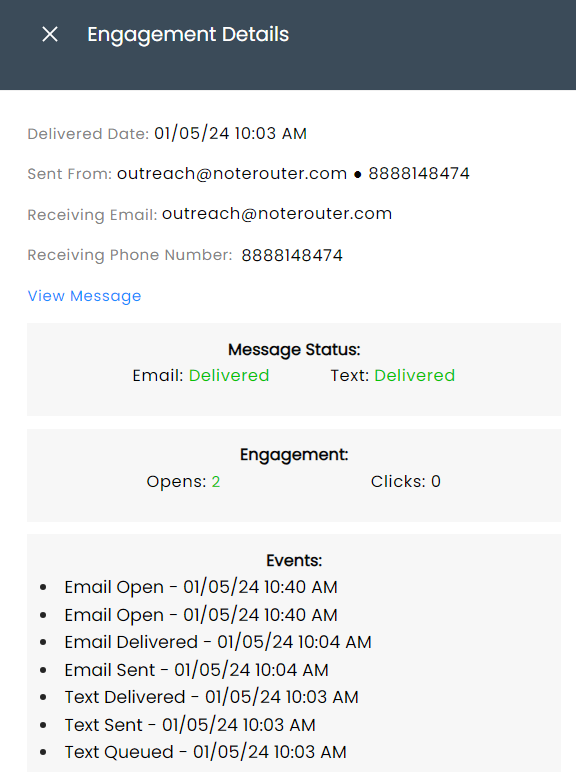
If the Message wasn't Delivered, make sure that Contact's email address is correct and that they are opted into the Message Topic, and part of any Group or Filters used in the Audience.
If the message was Delivered, have the Contact check their non-inbox folders (Spam, Promotional, etc.), and to set your From email as a Contact and Safe Sender.