
Remove Staff Users from the Users page under Organization

NOTE: Only Users with Staff Admin rights can Remove another User from NoteRouter.
Click Organization from the Menu Bar, then Users.
Click the checkbox by the User you want to remove, then click the trash can icon on the top right to Delete the User.
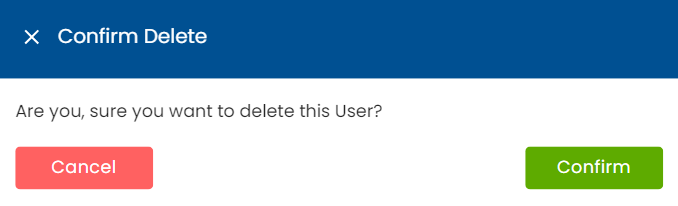
Confirm the deletion in the pop-up to finalize the Deletion.