
You can change your logo from the Organization screen
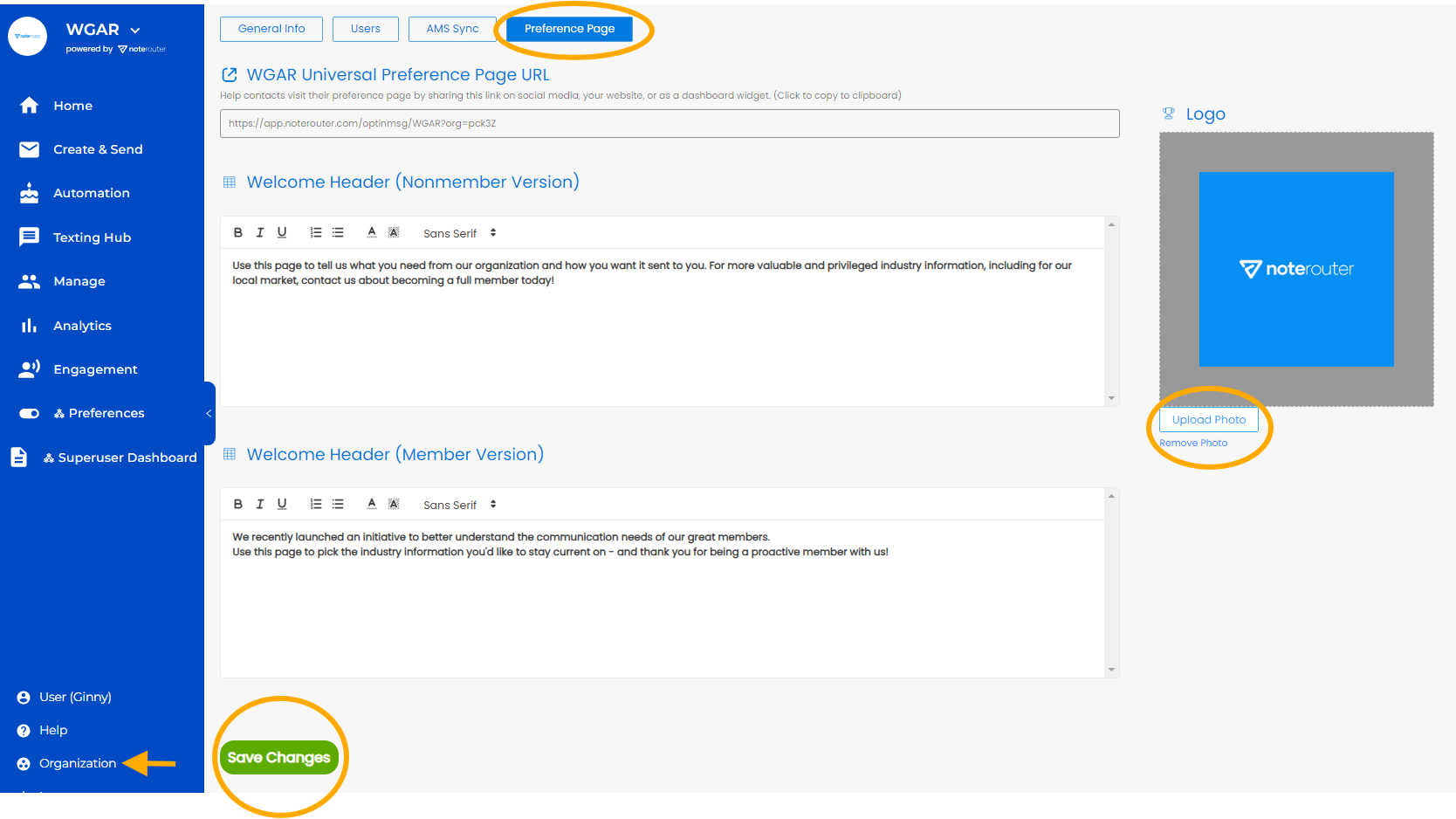
Click Organization from the Menu Bar, then Preference Page.
On the right of the page, click on Upload Photo and find the image on your computer. Then click Open and then on the green Save Changes button at the bottom of the page.