
You can use Filters to further fine-tune your Audience
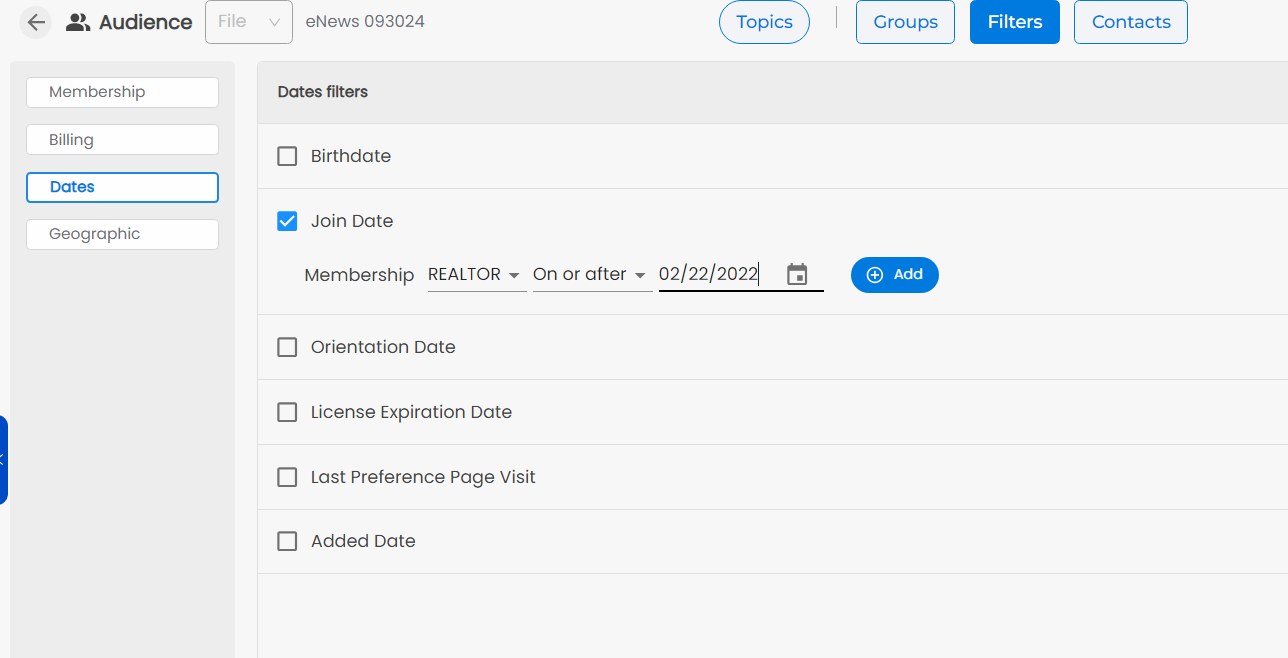
After selecting a Topic, you can click on Filters to further refine your targeted Audience by Membership, Dates, etc.
Click to select a Filter, enter the details, and click Add. Click the red X by the Filter details to remove that Filter.
Filters are based on the Fields and Data in your NoteRouter system.
NOTE: Your available Filters will differ depending on what your AMS provides