
You can send either a direct Preference Page link or a Universal Preference Page link
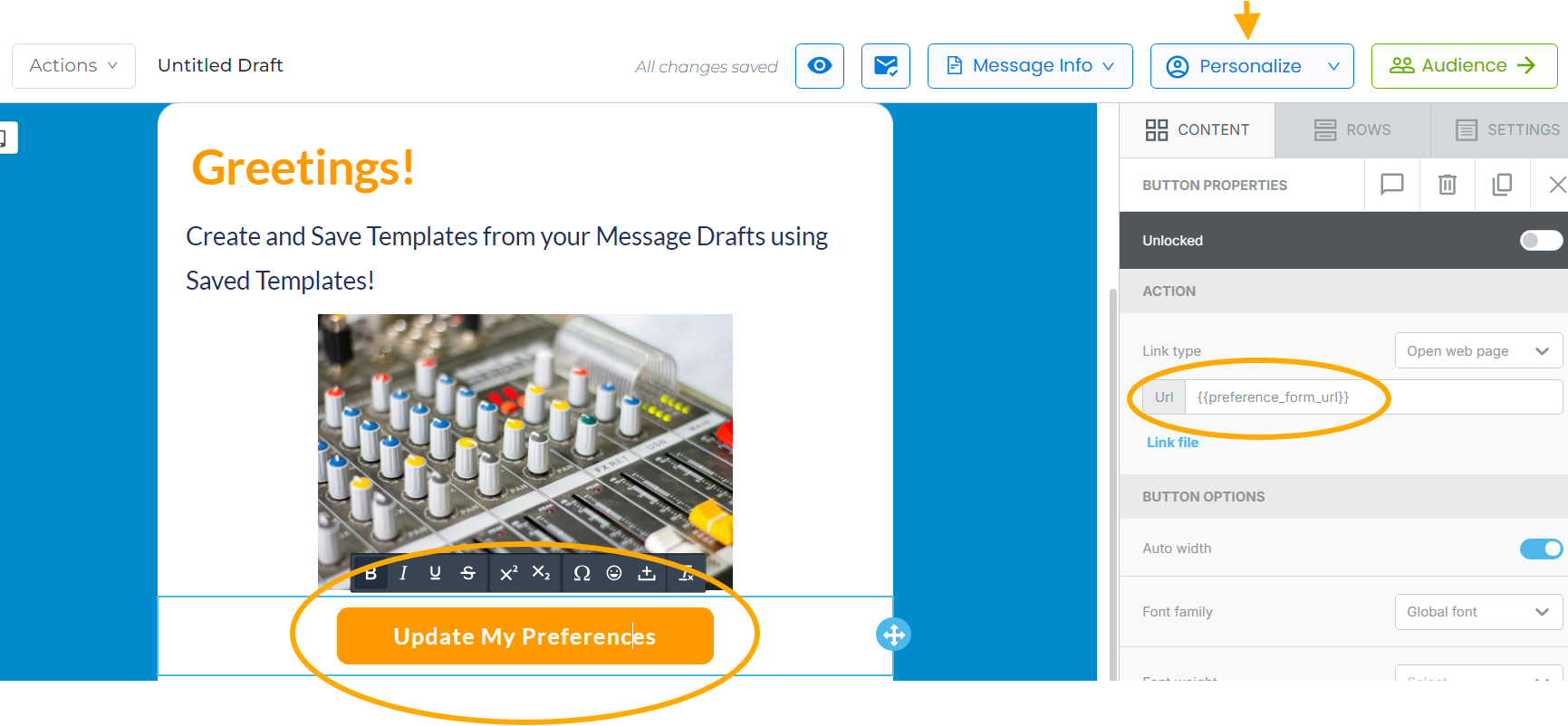
Direct Preference Page Link
Click on the button or text you want to be the link, and enter {{preference_form_url}} into the link URL.
Universal Preference Page Link
Click on Organization from the Menu Bar, then on Preferences at the top. Click on the Universal Preference Page link to copy to your clipboard. Paste this into the link URL.
NOTE: you can also turn the Universal Preference Page link into a QR code and include it in your printed materials