
Scheduled Emails can be found in your Message Drafts and on your Home page
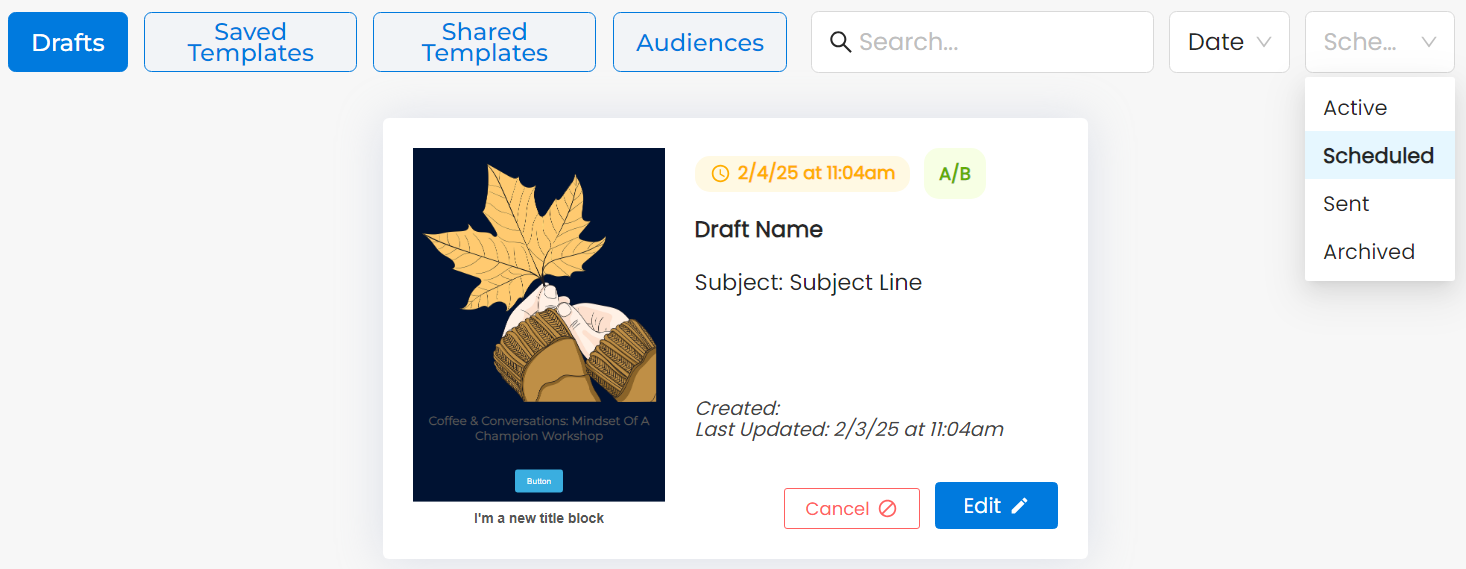
From Drafts page from Create & Send, click "Active" for the Draft status on the top right, then select Scheduled to see Scheduled Drafts. You can click Cancel or Edit on your Scheduled Draft.
The Pending Messages on the bottom of your Home page will show your unsent Scheduled Messages. You can click the bubble on a Message and then click Cancel or Edit Message.
