
Send Draft emails from the Design and Preview screens
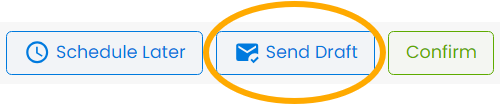
From the Design page, click on the Send Draft icon that looks like an envelope.

Enter the email address you want to send it to and click Send.
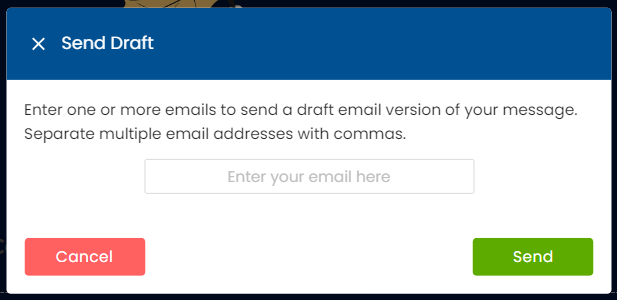
From the Preview page: click on Send Draft from the top right of the page.
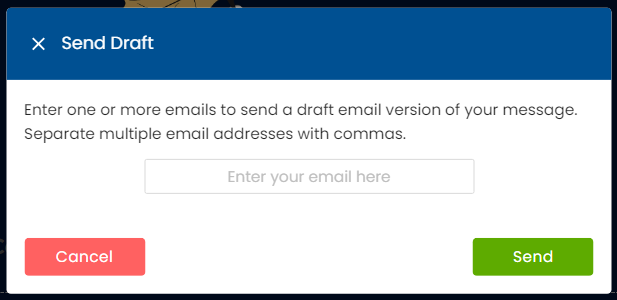
Then enter the email address you want to send it to and click Send.
NOTE: When you send yourself a Draft Email from the Create and Send page, you'll notice that the Personalizations don't fill. This is intended. Currently, the Draft Emails don't know what Contact they're being sent to, so Personalizations are ignored for Send Draft Emails.