
You can Preview your Message to see what it will look like when sent
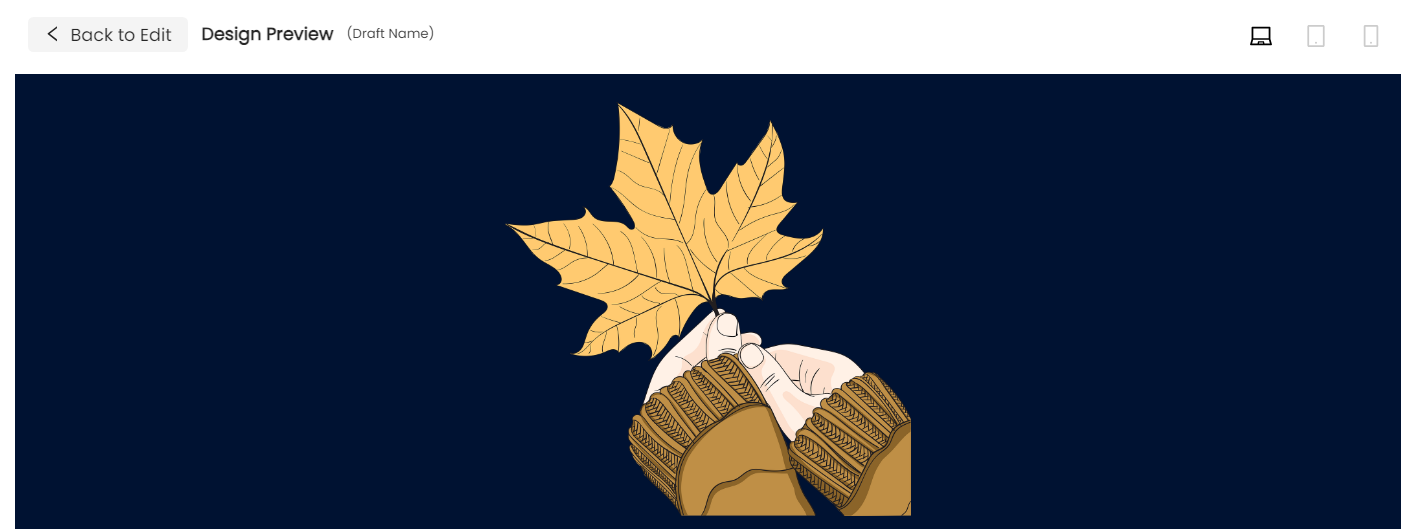
There are two places to Preview your Message.
1. Click on the Preview Icon at the top of your Draft Message that looks like an eye.

2. Go to Audience then Preview to Preview the message again before Confirming to Send it.

NOTE: The Preview pages will let you see what the message looks like on a desktop, tablet, and phone screen.