
You can use the History Tracker to undo changes in your Draft Messages
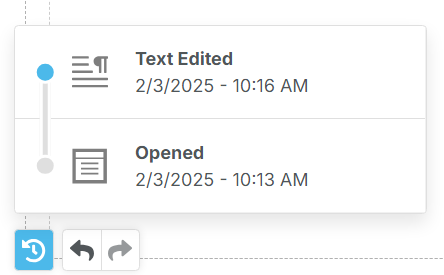
When editing a Draft, you can undo changes from the History Tracker located on the bottom left of your Draft.
Click the first icon to review changes and click on the point in time you want to revert to. Or, click on the back and forward arrows to undo or redo recent changes.
NOTE: the History Tracker is only available while you're editing your Draft and empties when you leave the page.