
Topics can made available to Members or Nonmembers or both
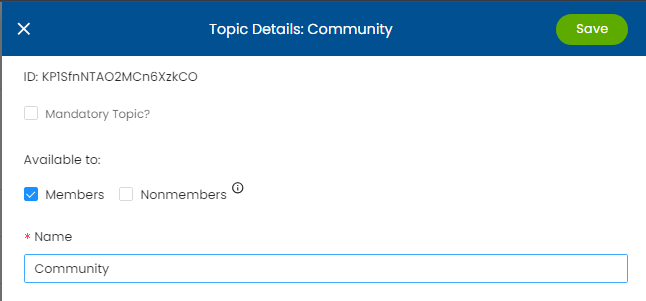
You can see if a Topic is available to Members or Nonmembers by Going to Manage Topics, and clicking on the Topic Name. You'll see the "Available to:" section at the top of the Topic Detail drawer.
You can modify the Topic's availability by clicking the checkbox for Members or Nonmembers and clicking Save.