
How do I know if a Contact is AMS-Synced or uploaded manually?
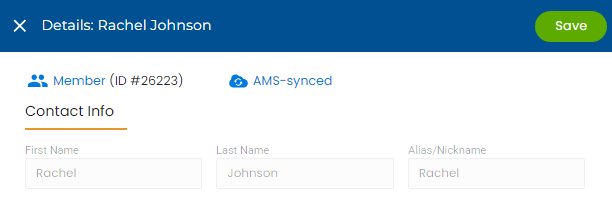
AMS-Synced Contacts come from your AMS (Association Management System) and are automatically updated in NoteRouter. Non AMS-Synced Contacts are uploaded manually by your Users and need to be updated manually.
You can see if a Contact is AMS-Synced by going to Manage, and Contacts and clicking on their name to open their Contact Detail drawer. You'll see "AMS-Synced" to the right of their member number.