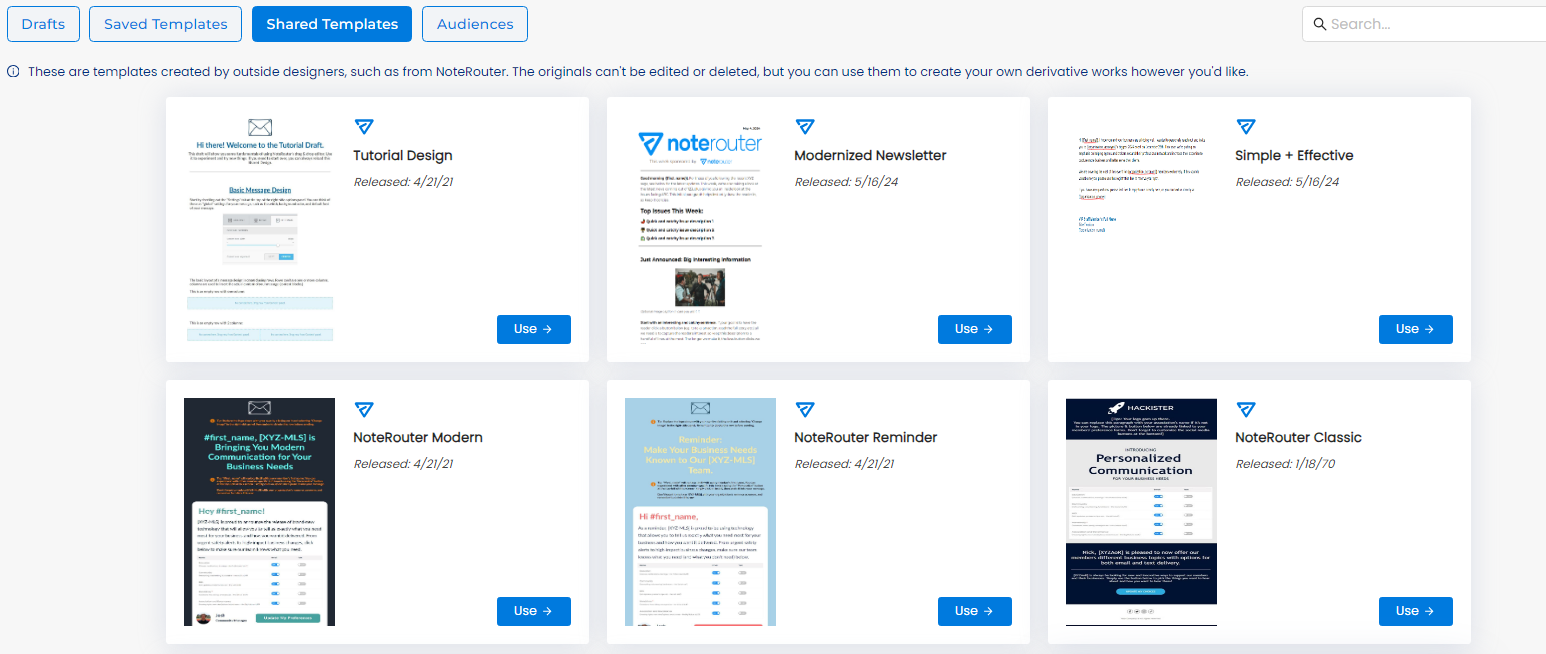
NoteRouter has ready-made templates for you to use! There are two ways to start:
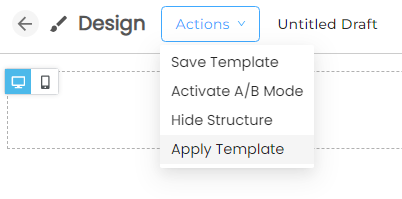
1. From your Message Draft, you can click on Actions on the top left, and then on Apply Template. Click Shared Templates from the top and click on Use to select the template. This will overwrite the current Message Draft.
2. You can find the Shared Templates from the top of your Create & Send page.
Click Shared Templates then on Use to start a new Message Draft.