
You can Edit your Saved Templates
From the Create & Send page, click on Saved Templates. Click Edit on any Saved Template and make any changes you like.
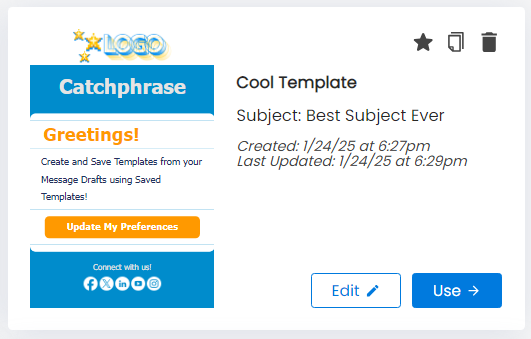
Changes will automatically be saved to your Saved Template.
NOTE: You can also click on the Duplicate icon.

This will let you copy your Saved Template and allow you to keep the original Saved Template unchanged.