There are two ways to save time using your Saved Templates.
1. From your Message Draft, you can click on Actions on the top left, and then on Apply Template.
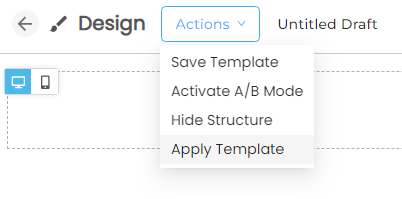
Confirm that you approve overwriting the current Message Draft with your Saved Template.
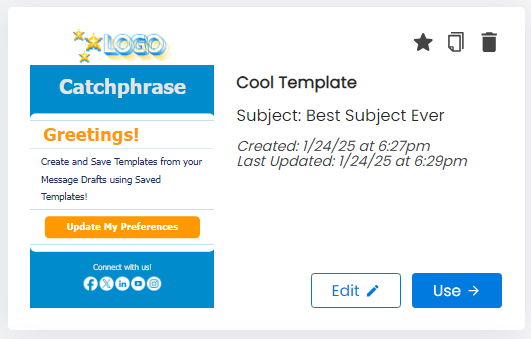
Select the Saved Template you want by clicking Use.

2. You can find all your Save Templates by clicking on Saved Templates at the top of your Create & Send page.
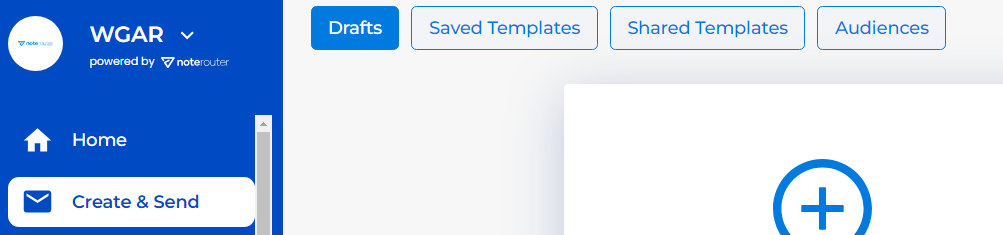
Click Saved Templates then on Use to start a new Message Draft.