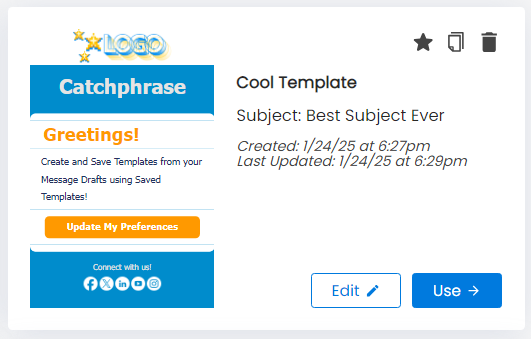
Create your own templates from Drafts using Saved Templates
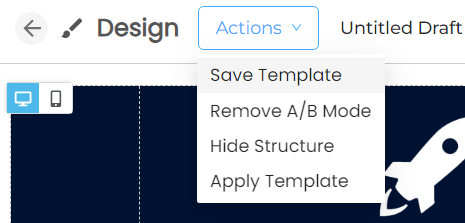
From your Message Draft, you can click on Actions on the top left, and then on Save Template. You can now use that Saved Template any time.
You can find all your Save Templates from the top of your Create & Send page. Click Saved Templates and then you can Edit, or Use your template to start a new Message Draft.