
Start sending messages from the Create & Send Page from the Menu Bar
Start in the Drafts Page
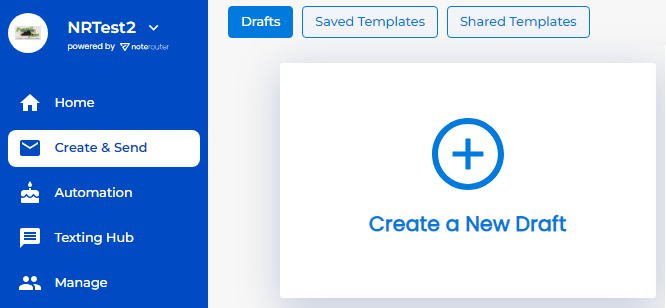
Click on Create a New Draft, Saved Templates, or Shared Templates to begin
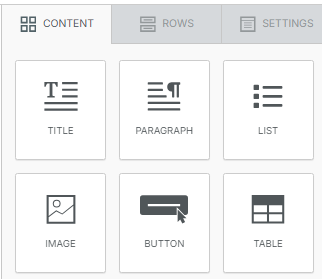
Use the Rows and Content tabs to drag and drop your design, and fill in any images, text, and media you like.
Then check your Message Info and add a Subject Line, and move on to your Audience.
Select your Topics, Groups, Filters, etc. and click on Preview.
Check your Message and Recipients, then click Confirm to send your message. You'll see a 5-minute countdown begin to let you cancel if needed.
NOTE: Messages go out as emails and/or text messages depending on your Contacts' Preferences.