
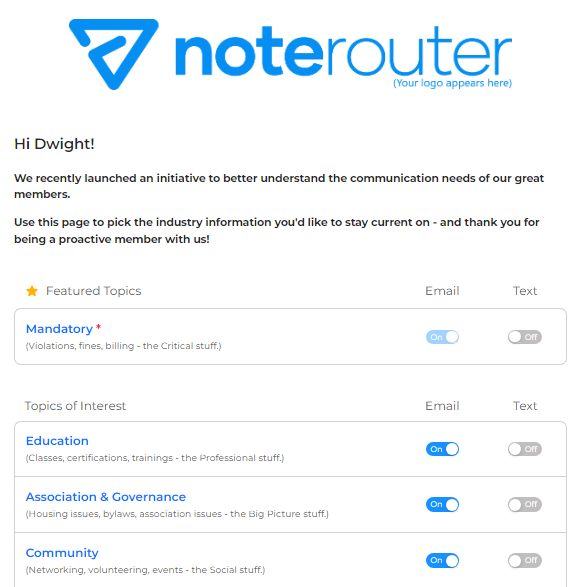
Your Contacts opt into Topics from their Preference Page
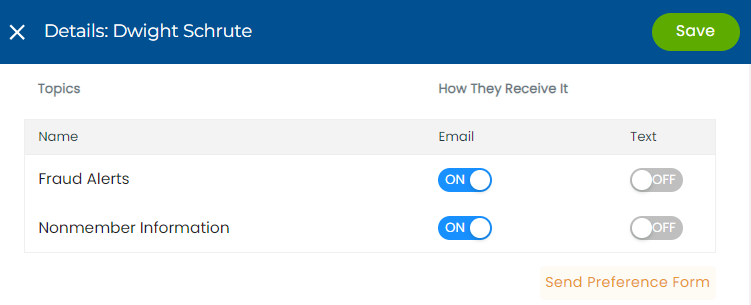
You can send your Contacts a link to their Preference Page by going to Manage Contacts, and then clicking on a Contact's name.
Under the list of Topics, you'll see a link to Send Preference Form. Click that, and they should get the link right away.
Note: Contacts can choose to opt into or out of any non-Mandatory Topics only.