
You can remove Topics from the Manage Topics page
From the Manage Topics page, click the checkbox by the Topic you want to remove.
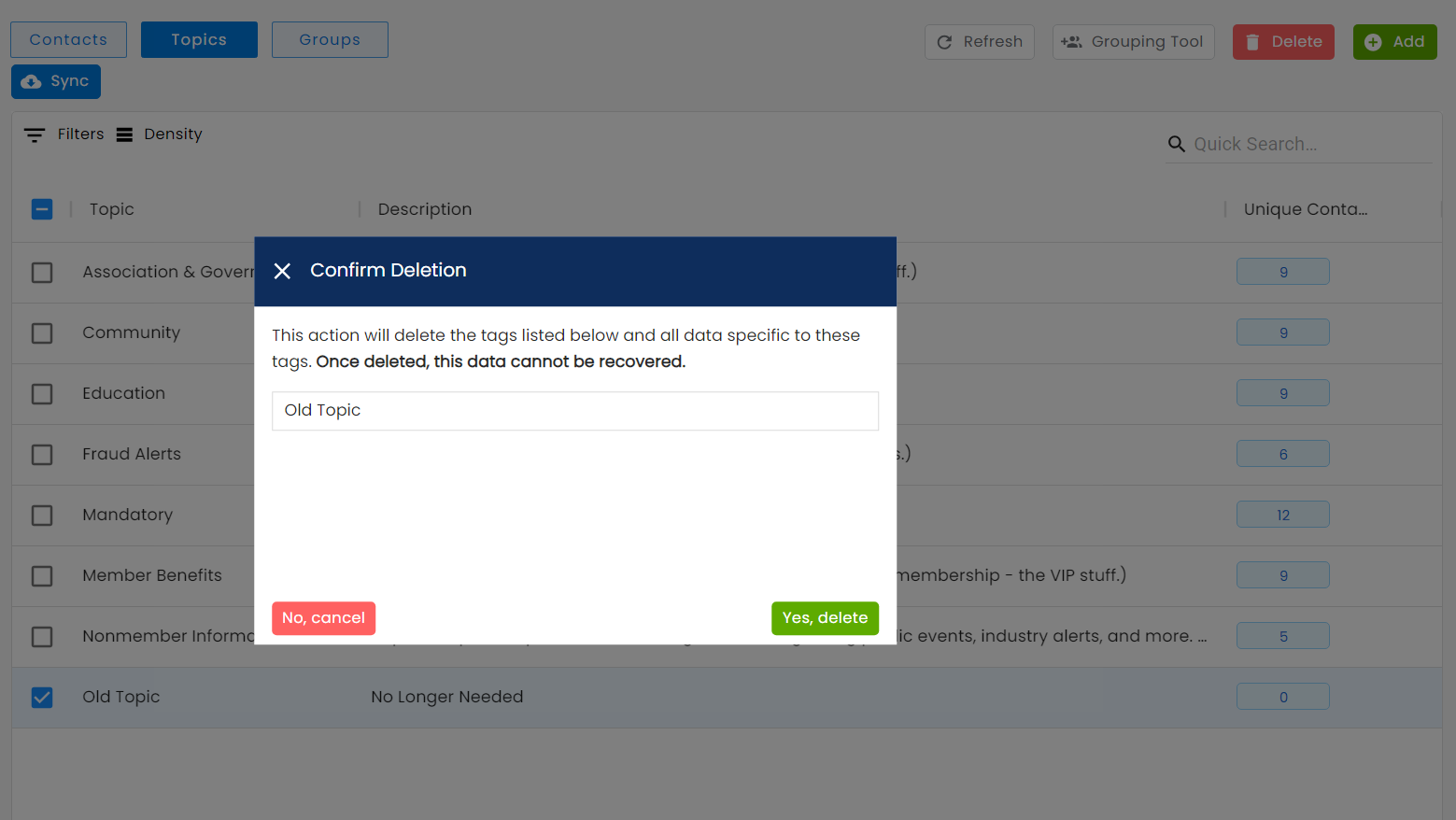
Then click Delete on the top right and confirm with "Yes, Delete" on the confirmation pop-up.
This will remove your Topic from your Audience selections and from your Contacts' Preference Pages.