
You can add New Topics from the Manage Topics page
From the Manage Topics page, click on Add from the top right.
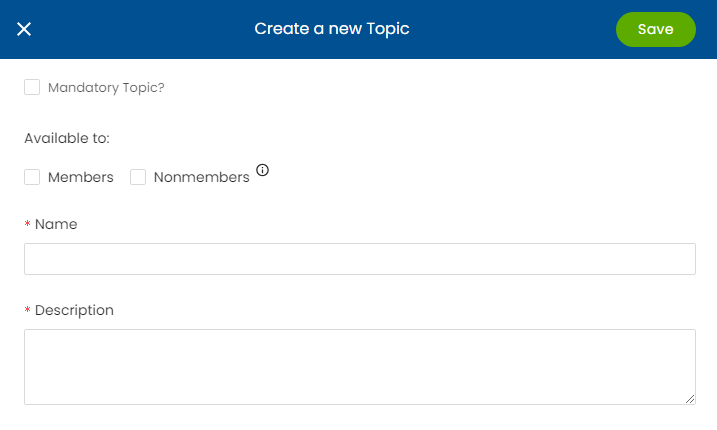
Assign your Topic as available to Members, Nonmembers or both, then give your Topic a name and description and click Save. This will add your new Topic to your Audience selections and to your Contacts' Preference Pages so they can opt in.
Note: You can add contacts to your Topic using the Grouping Tool. You can also reach out to support@noterouter.com if you need this Topic mapped to certain membership subtypes.