
You can edit your Audience to add or remove Group selections and exclusions
In the Create and Send page, click on Audience.
Or, from the Preview page, click on the back arrow to return to the Audience setup page. 
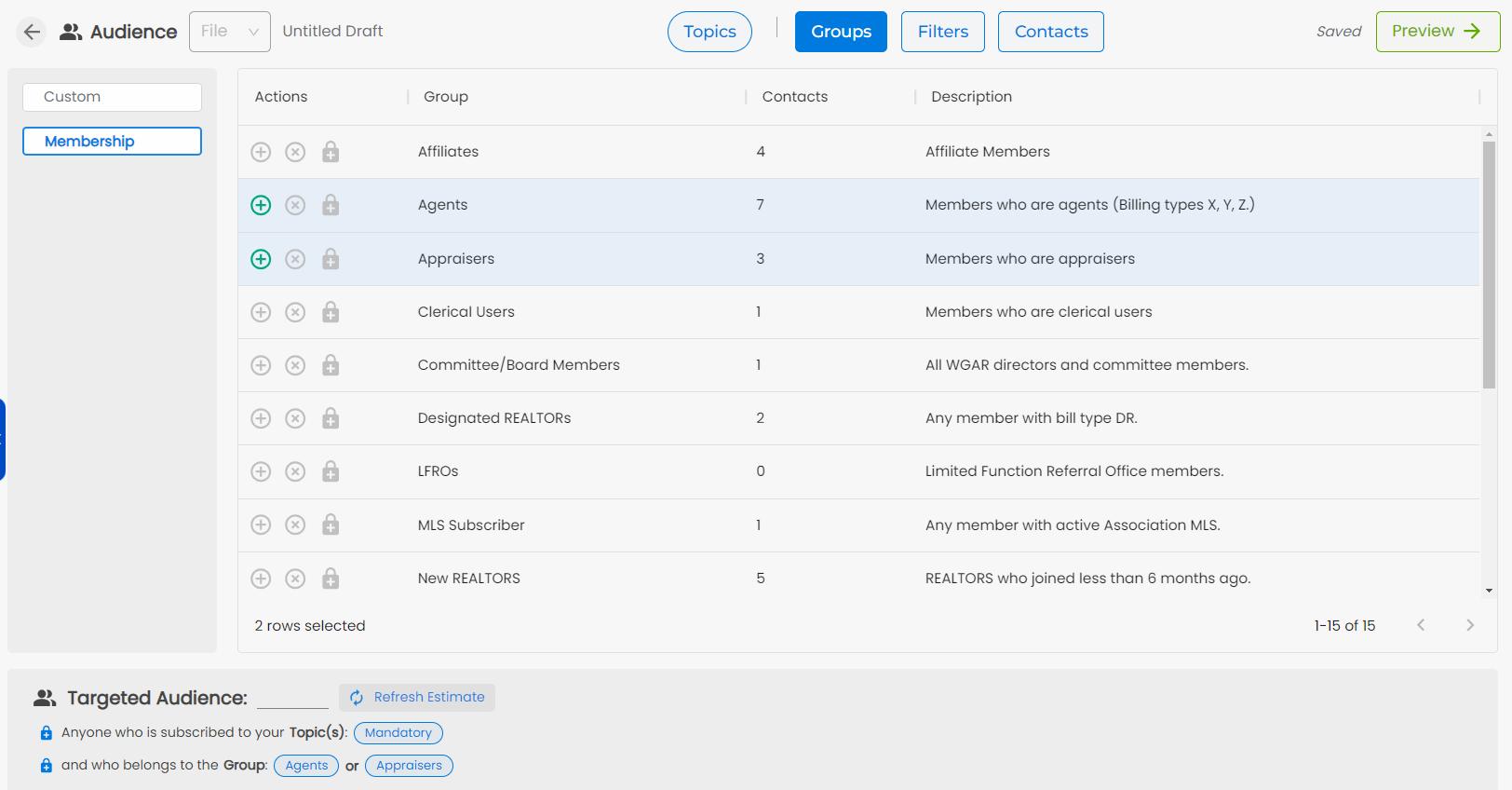
Then click on the Groups tab
Click on the + and x bubbles to select which Group or Groups to include in your targeted Audience for that message
Or click on the + and x bubbles to remove that addition or exclusion.
Click on Preview to preview and Send