
You can Include, Exclude, or use a combination to select the Groups you use to Target your Audience
In the Audience page under Create and Send, you can click on the + next to a Group name to add that Group
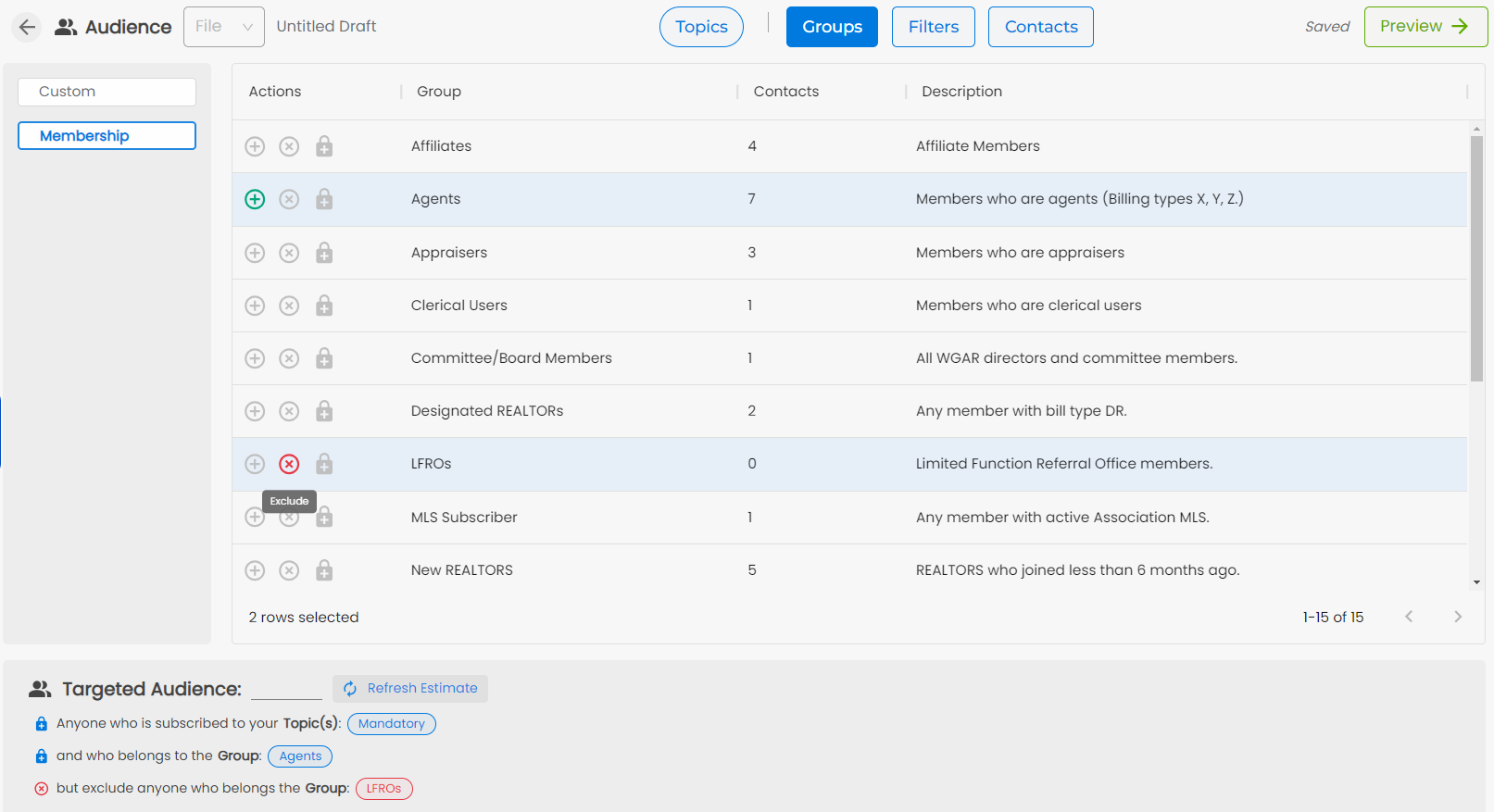
You can also click on the x next to a Group name to exclude that Group
This can be useful when you want to reach out to all of your Agents, but not the LFROs.