
You can see any Topic's Opted-in Contacts from the Manage Topics page
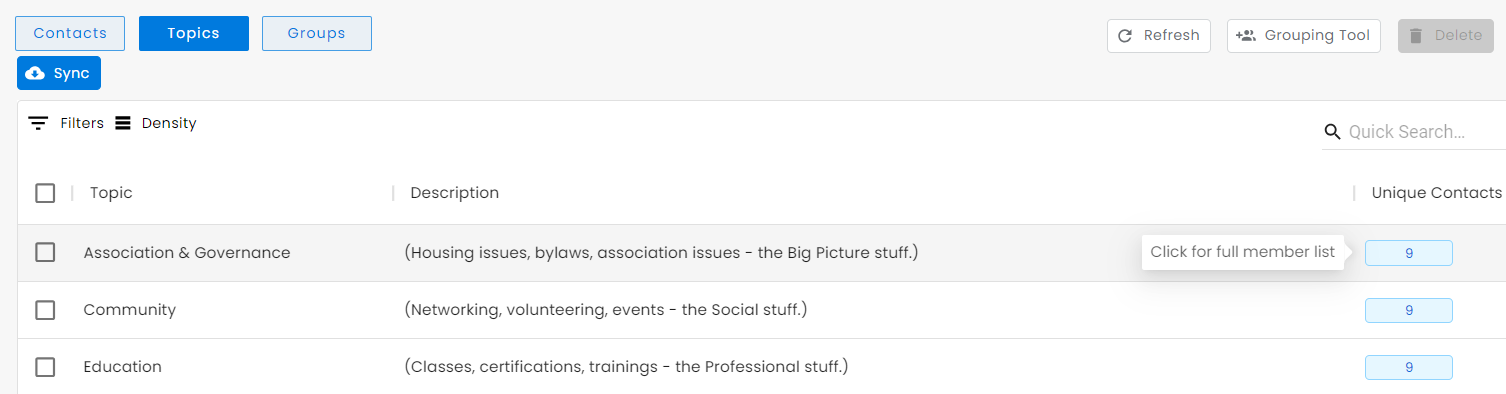
From the Manage Topics page, click on the "Unique Contacts" count to the right of each Topic Name to see a full list of Contacts that are opted into that Topic.
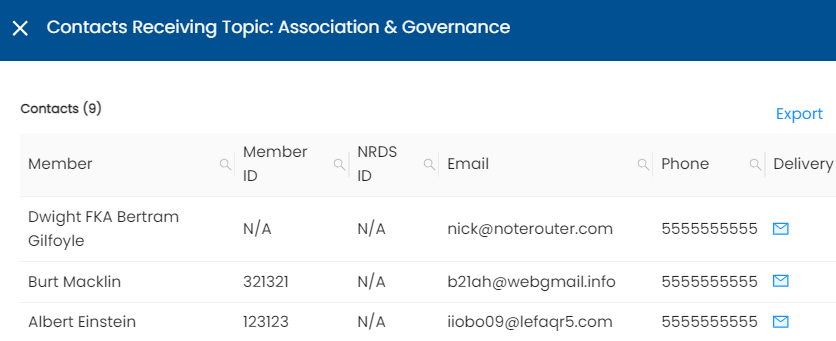
You will be able to view the Contacts that are opted in, their IDs, email address, phone number, and whether they've opted-in by email or text delivery. You can also click Export to get a spreadsheet download of the list.
Note: Contacts can choose to opt into or out of any non-Mandatory Topics and decide whether they want to receive updates via email or text through their Preferences page.