Add one Contact to a Group at a time
From the Manage Contacts page, click on a Contact's Name
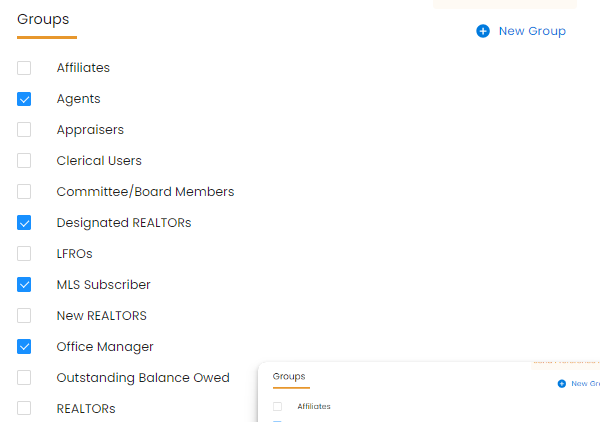
Scroll down until you see the list of Groups checkboxes
Check the box for the Group or Groups you want that Contact added to

Modified on: Wed, Mar 26, 2025 at 5:36 PM
Add one Contact to a Group at a time
Check the box for the Group or Groups you want that Contact added to
Did you find it helpful? Yes No
Send feedback