
Add Multiple Contacts to a Group using the Grouping Tool
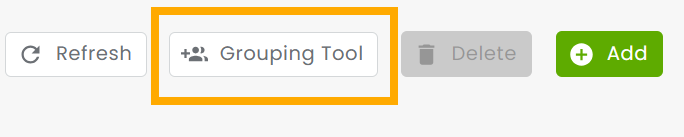
From the Manage Groups page, click on Grouping Tool at the top right.
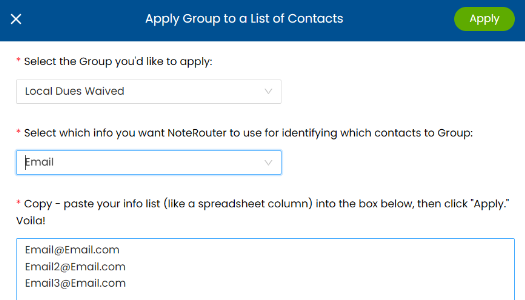
Choose the Group you'd like to add Contacts to.
Select an identifier - Email, Member Number, NRDS ID, or Phone Number.
Enter the values for that identifier, and click Apply.
Once the Grouping Tool is finished, click for results in the Menu Bar

What Do I Do If The Grouping Tool Results Shows Failures?