Filter Groups from your Manage Screen
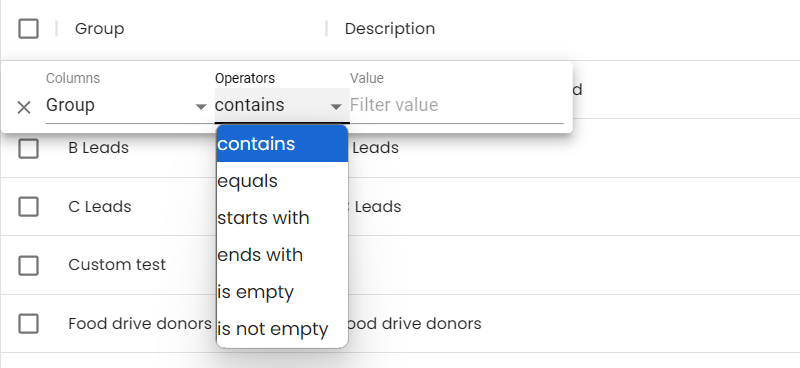
You can Filter Groups by clicking on Filter at the top of the Manage Groups page. You can Filter by Name, or Description.

Select the Filter Operation of Contains, Equals, Starts With, Ends With, Is Empty, or Is Not Empty. Then enter the Value you wish to Filter by. All Groups that match that value will be displayed.