
Link a File in a Message
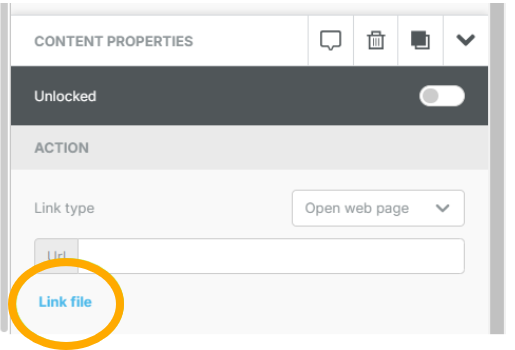
1. Click on the text or button that should link to the file you're adding
2. Under Contact Properties on the right, click on "Link file" to get to your File Manager
3. Click on Upload at the top. Upload the PDF file and click on Insert in that File Card
The document is now linked to the text or button